Start a Business Website: Hostinger Coupon + SEO Ebook 2026
Start and market your business website in 2026: save on Hostinger with coupon code WEBHOST2026, set up SEO basics, and grow with my SEO ebook and audit.
October 26, 2026 · Business & SEO · 12 min read
How to Start a Business Website in 2026: Hosting, SEO and Marketing
The exact stack I recommend to small business owners: affordable Hostinger hosting with coupon code WEBHOST2026, a solid SEO foundation, and a clear plan to get your first visitors from Google.
Affiliate disclosure
Some links in this post are Hostinger referral links. If you buy through them, I may earn a commission at no extra cost to you. The SEO Ebook and the Custom SEO Audit are my own products, sold on my Etsy shop. I only recommend tools I use on my own projects.
The short answer
To start and market a business website in 2026 you need three things: a domain and hosting to put the site online, a basic SEO setup so Google can find and understand it, and a marketing plan that brings people back every week. Everything else is detail.
| Stage | What you need | What I use / recommend | Typical cost |
|---|---|---|---|
| 1. Get online | Domain, hosting, SSL, business email | Hostinger with code WEBHOST2026 | From about $2.49/mo intro (Oct 2026) |
| 2. Build | 5–7 core pages, mobile-friendly design | WordPress or Hostinger Website Builder | Included with hosting |
| 3. Learn SEO | Keywords, on-page, technical, links | SEO Ebook PDF (72 pages) | $19.99, one-time |
| 4. Fix what matters | A prioritized list for your own site | Custom SEO Audit + 45-Day Plan | $14.99 (on sale until Oct 31) |
| 5. Market | Content, Google Business Profile, social, email | Free tools + consistency | Mostly your time |
Hostinger prices checked in October 2026 and shown in USD before tax. Promotional rates depend on the term length you pick; the checkout page is always the final word.
Step 1: Choose a business name and domain
Your domain is your address on the internet, so keep it short, easy to spell and easy to say out loud. If a customer hears it once over the phone, they should be able to type it correctly.
- Prefer a .com, or your country domain if you only sell locally.
- Avoid hyphens and numbers; they get mistyped.
- Don't stuff keywords into the name. A brandable name ranks fine when the content is good.
- Check the same name is free on Instagram, Facebook and Pinterest before you buy.
Most Hostinger web hosting plans include a free domain for the first year, so you usually don't need to buy it separately.
Step 2: Get reliable hosting (and save with a Hostinger coupon code)
I host several client and personal projects on Hostinger, and it's the plan I suggest to most small businesses because it bundles the boring essentials in one dashboard: domain, SSL, business email, backups and a one-click WordPress installer. You don't have to stitch five services together.
Which Hostinger plan should a small business pick?
| Plan | Intro price* | Renews at* | Websites | Storage | Backups | Best for |
|---|---|---|---|---|---|---|
| Premium | $2.49/mo | $10.99/mo | 3 | 20 GB SSD | Weekly | A first business site or portfolio |
| Unlimited | $3.49/mo | $16.99/mo | Unlimited (fair use) | 50 GB NVMe | Daily | Growing businesses and online stores |
| Cloud Startup | $7.99/mo | $25.99/mo | Unlimited (fair use) | 100 GB NVMe | Daily + on demand | Busy stores and agencies |
*Monthly equivalent on a 48-month term, paid upfront, before tax, as seen in October 2026. Shorter terms cost more per month. All three include a free domain for one year, free email for one year and a 30-day money-back guarantee. Prices change often, so confirm on Hostinger before paying.
My honest advice: start with Premium if you're launching one site, or Unlimited if you want daily backups and room to add a store or a second brand. Look at the renewal price too, not just the intro price, because that's what you'll pay after your first term. If you're comparing hosting types, my shared vs VPS vs cloud hosting guide explains when to upgrade.
How to use Hostinger coupon code WEBHOST2026
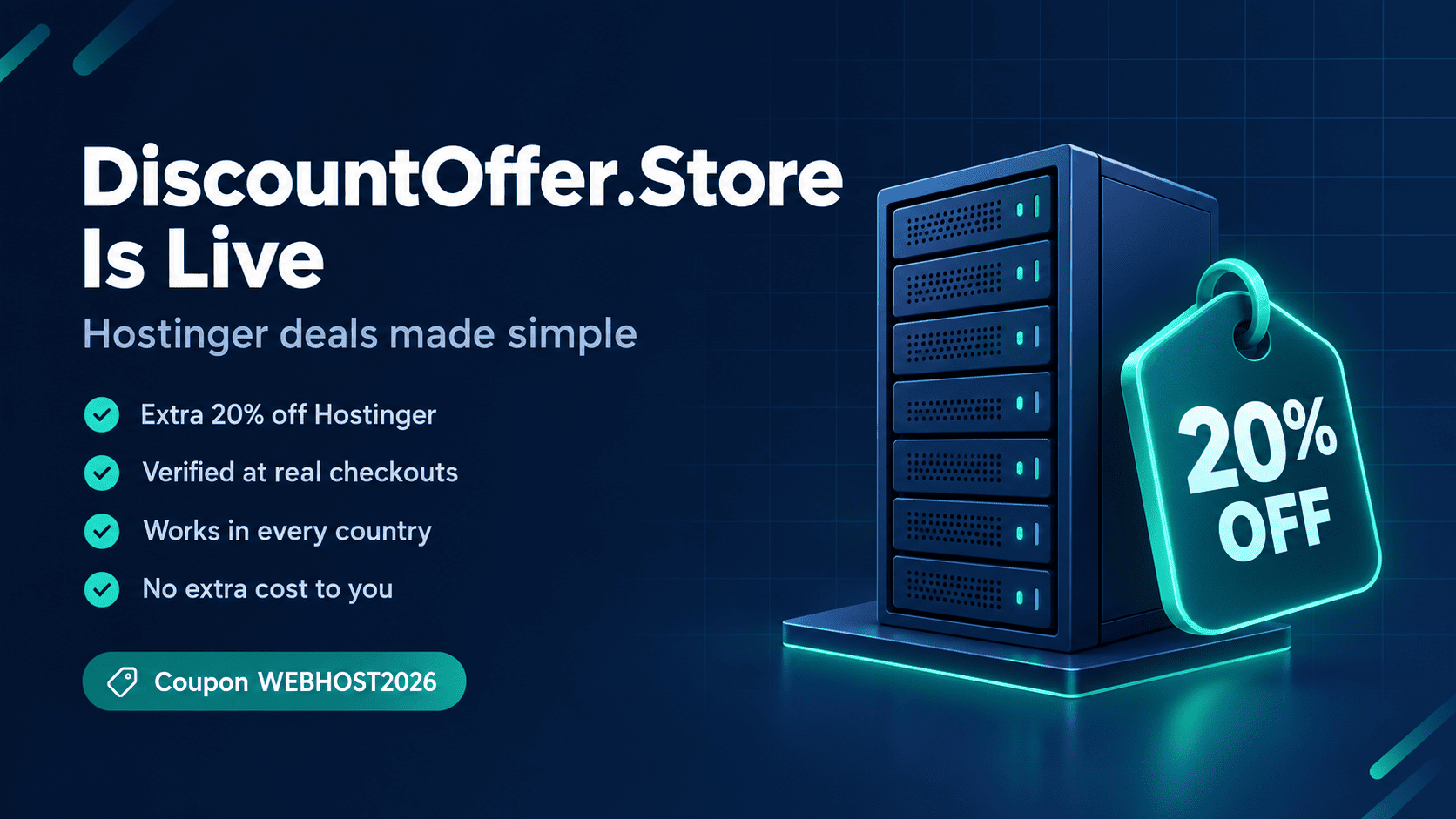
- Open Hostinger through my referral link. The referral discount is usually applied automatically.
- Choose your plan and the billing period (longer terms give the lowest monthly rate).
- On the checkout page, look for the "Have a coupon code?" field. If no discount is shown yet, enter WEBHOST2026 and apply it.
- Claim your free domain, create your account and complete payment.
- Check the final total before paying; that's the price you'll actually be charged.
Under Hostinger's referral program, a new customer gets up to 20% off eligible purchases such as shared hosting, cloud hosting, VPS and Hostinger Email. Domain-only purchases are not eligible, and the discount applies to new purchases, not renewals. I keep a dedicated, updated page for the code here: Hostinger coupon code WEBHOST2026.
Step 3: Build the pages every business website needs
You don't need 50 pages on day one. You need a handful of pages that answer the questions customers ask before they buy.
| Page | What it must answer | SEO tip |
|---|---|---|
| Home | What you do, for whom, and where | Put your main service + city in the title tag |
| Services / Products | What each offer includes and costs | One page per main service, not one page for everything |
| About | Why customers should trust you | Real photos, real names, real experience |
| Contact | How and when to reach you | Same name, address and phone as your Google Business Profile |
| Blog / Guides | The questions people search before buying | One clear topic and keyword per post |
| Privacy & Terms | How you handle data and orders | Required for ads, payments and trust |
For most small businesses I recommend WordPress (installed in one click on Hostinger) or Hostinger's own website builder if you don't want to touch code. Developers can of course deploy a Next.js site; I wrote a guide on deploying a Next.js app on a Hostinger VPS.
Step 4: Set up your SEO foundation before launch
Most new sites lose months because nobody did the basics. These take an afternoon and save you a lot of pain later.
- Verify your site in Google Search Console and submit your XML sitemap.
- Write a unique title and meta description for every page (roughly 55–60 and 150–160 characters).
- Use one H1 per page and logical H2/H3 headings.
- Check robots.txt so you aren't blocking Google by accident. My free robots.txt and sitemap generator helps.
- Compress images and test speed with PageSpeed Insights (Core Web Vitals).
- Make sure the site works perfectly on mobile; most local searches happen on phones.
- Link your pages together so visitors and Google can find everything in a few clicks.
Step 5: Learn SEO properly with my SEO Ebook (PDF)
Free SEO advice is everywhere, but it's scattered, outdated or written to sell you a tool. I wrote the SEO Ebook PDF: Beginner to Advanced Guide to put everything I actually use into one ordered path, based on lessons from 3M+ Google impressions across 10 websites I've worked on.
| Detail | What you get |
|---|---|
| Format | Instant-download PDF, 72 pages, A4, clickable contents |
| Structure | 15 chapters, beginner to advanced |
| Core topics | Keyword research and search intent, on-page SEO, technical SEO, Core Web Vitals, indexing |
| Growth topics | White-hat link building, programmatic SEO, tool sites, affiliate SEO |
| Recovery | Deindexing recovery and domain migrations without losing traffic |
| 2026 topics | AI search and showing up in Google's AI features |
| For developers | Next.js SEO code examples |
| Action | "Try This Now" tasks and checklists in every chapter, plus a 90-day SEO action plan |
| Price | $19.99, one-time, on Etsy |
It also includes a real case study, the "2-week fix", where an established organization's site was brought back above scam sites in search results. The book is written for beginners, bloggers, freelancers, small business owners, affiliate marketers and developers. It doesn't promise rankings or income, because nobody honestly can; it gives you the process.
Read the full breakdown in my SEO ebook PDF guide, or get the SEO Ebook on Etsy.
Step 6: Get a custom SEO audit and 45-day action plan
The ebook teaches the method. If you'd rather know exactly what to fix on your own site first, my Custom SEO Audit Report + 45-Day Action Plan is the shortcut. You send your URL, I review the site by hand, and you get a PDF report with a plan you can follow yourself or hand to your developer.
What the audit report covers
- Overall SEO score and summary
- Technical SEO: speed, Core Web Vitals, indexing, sitemap, robots.txt
- On-page SEO: titles, meta descriptions, headings, internal links
- Content and keyword ideas for your niche, plus page and blog topic ideas
- Backlinks and authority, and local SEO where relevant
- Top 10 urgent fixes, ranked High, Medium or Low
- A week-by-week 45-day action plan
What you provide when ordering
Your website URL, website category, main goal (traffic, sales or customers), target country or city, and up to three competitor sites (optional). I only use public data, so no login or password is needed. The report is delivered through Etsy Messages within 3–5 business days.
Please note: the audit is a written report only; I don't make changes to your site. I work with ethical and halal businesses (education, SaaS, clinics, small business, e-commerce, blogs, nonprofits) and don't audit gambling, adult, alcohol, tobacco, drugs, interest-based lending or scam sites. No specific ranking or traffic is guaranteed.
More details are in my custom SEO audit report post. The listing price is $14.99, with a launch sale at $8.99 until October 31, 2026.
SEO ebook, SEO audit or hiring an agency?
| Option | Best if you… | What you get | Cost |
|---|---|---|---|
| SEO Ebook | Want to learn SEO and do it yourself long term | A complete method, checklists, 90-day plan | $19.99 once |
| Custom SEO Audit | Have a live site and want to know what to fix first | Site-specific report + 45-day plan | $14.99 once |
| Ebook + Audit | Want the method and a plan for your own site | Learn the why, follow the what | Both listings |
| Monthly SEO service | Have no time and a budget for ongoing work | Someone does the work every month | Ongoing retainer |
If you need hands-on help, you can also look at my SEO services.
Step 7: Market your website after launch
A website doesn't market itself. These are the channels that work for small businesses without a big ad budget.
- Google Business Profile: essential for any local business. Keep hours, photos and categories up to date and ask happy customers for reviews.
- Helpful blog content: answer one real customer question per post. Content that solves problems keeps bringing traffic for years.
- Pinterest: underrated for products, guides and digital downloads. Each pin links straight to your page.
- Social media: pick one or two platforms your customers actually use and post consistently.
- Email list: offer a small checklist or discount in exchange for an email. It's the one channel you fully own.
- Local directories and partners: consistent business listings and genuine local links build trust with Google.
Give it time. SEO usually takes 3–6 months to show steady results for a new site, depending on competition and how consistently you publish and improve. Measure progress in Search Console every month: impressions first, then clicks.
Common mistakes that slow new business websites
- Picking hosting only by intro price and getting surprised at renewal.
- Launching without Search Console, so nobody notices indexing problems.
- Copying service descriptions from competitors (thin or duplicate content).
- Huge uncompressed images that make the site slow on mobile.
- Buying cheap backlinks. It's a risk to your domain, not a shortcut.
- Publishing once and then going quiet for six months.
Frequently asked questions
Is there a working Hostinger coupon code in 2026?
Yes. Use code WEBHOST2026 or open Hostinger through my referral link. Hostinger's referral program gives new customers up to 20% off eligible plans. Always confirm the final total at checkout.
Does the Hostinger referral discount work on domains?
No. According to Hostinger's referral program terms, domain-related services are not eligible. It applies to eligible new purchases such as web hosting, cloud hosting, VPS and email.
Which Hostinger plan is best for a small business website?
Premium covers a single business site well. Choose Unlimited if you want daily backups, more storage or plan to run several sites or a store. Upgrade to cloud or VPS only when traffic or resources demand it.
Is the SEO ebook good for complete beginners?
Yes. It starts with the fundamentals and moves to advanced topics chapter by chapter, with a "Try This Now" task in every chapter so you apply each idea as you read.
Is the SEO ebook a PDF I can read on my phone?
Yes. It's a 72-page PDF with clickable contents, delivered as an instant download from Etsy, and it works on phones, tablets and computers.
How long does the custom SEO audit take?
The PDF report is delivered through Etsy Messages within 3–5 business days after you order and send your website details.
Do you need my website password for the audit?
No. The audit is based on public data only, so you never share logins or passwords.
Can anyone guarantee first-page rankings?
No. Google's algorithm, your competition and your effort all play a part. Anyone guaranteeing rankings is guessing. A good plan and consistent work give you the best odds.
Useful links
Starting a business website is simpler than it looks: get online with solid hosting, set up the SEO basics, learn the process, and show up consistently. If you get stuck on any step, reach out through my site. I read every message.