Qaseeda Burda Sharif App: Arabic, Urdu & English Translation
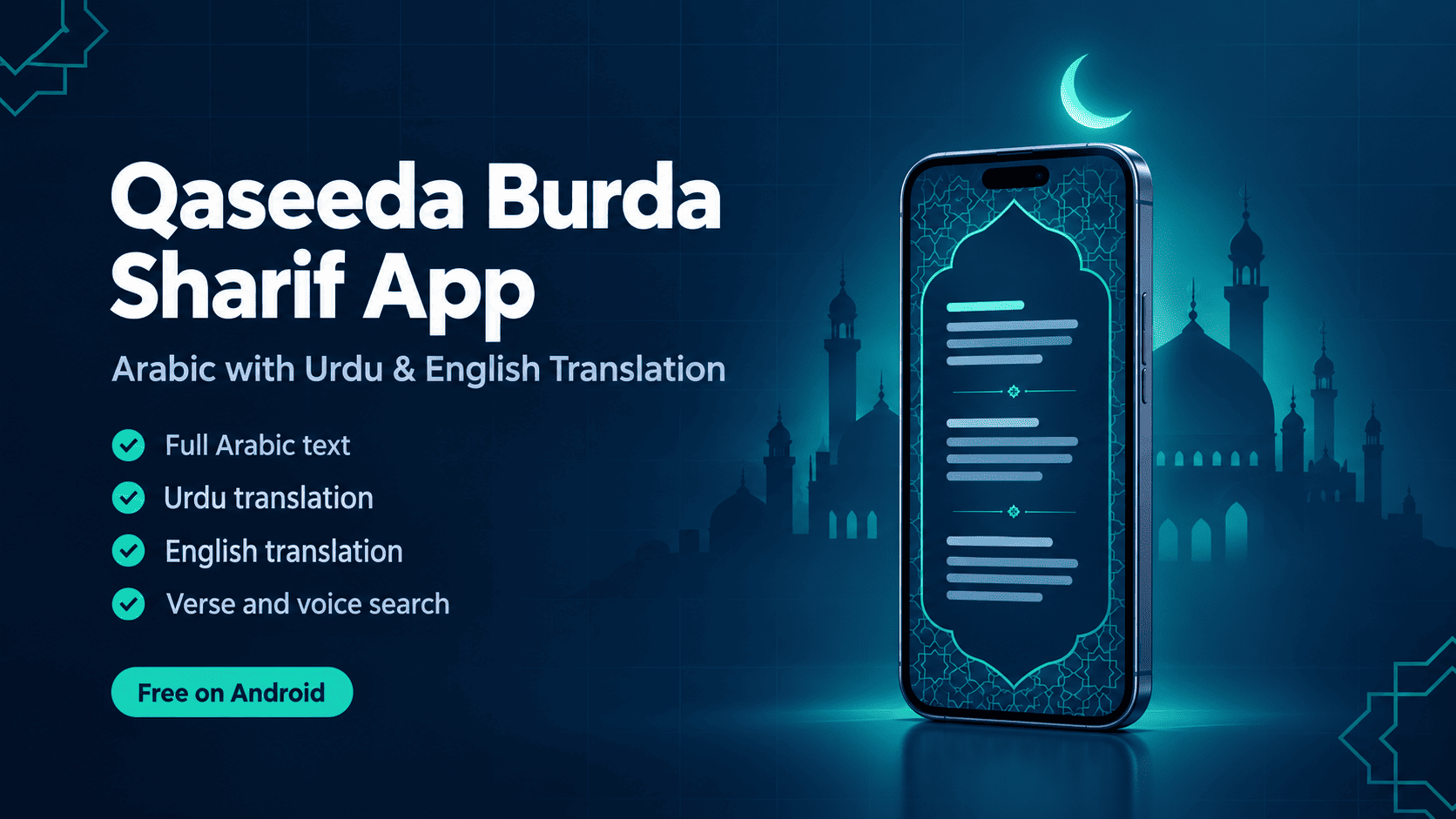
Read Qaseeda Burda Sharif in Arabic with Urdu and English translation, plus verse and voice search. A free, clean Android app built by Muhammad Huzaifa.
October 22, 2026 · Islamic Apps · 5 min read
Qaseeda Burda Sharif App: Read in Arabic with Urdu and English Translation
I built a simple Android app for reading Qaseeda Burda Sharif — the Arabic text of Imam al-Busiri's poem with Urdu and English translation, verse search and voice search, in a clean, distraction-free layout.
Quick summary
What it is: a reading app for Qaseeda Burda Sharif. Languages: Arabic text with Urdu and English translation. Extras: verse search and voice search. Platform: Android, free on Google Play.
What is Qaseeda Burda Sharif?
Qaseeda Burda Sharif is a classical Arabic poem in praise of the Prophet Muhammad (peace be upon him), composed by Imam al-Busiri, the 13th-century poet from Egypt. It is one of the most widely recited and loved poems in the Muslim world.
Across Pakistan, India and far beyond, people recite it at gatherings, during Rabi ul Awwal, and as part of their personal daily routine. Many readers know the melody by heart but want to understand the meaning of what they are reciting — which is exactly where a translation helps.
Why I built this app
I wanted a Burda app that does one thing well: let you open the poem and read it comfortably. A lot of apps in this category are cluttered, so I kept the interface simple and the focus on the text itself.
The latest update added Urdu and English translation, so you can read the Arabic and understand each verse in the language you are most comfortable with. As the developer, I keep improving it based on feedback from people who actually use it.
Features at a glance
| Feature | What it does |
|---|---|
| Arabic text | Read the full Qaseeda Burda Sharif in Arabic |
| Urdu translation | Understand the meaning of each verse in Urdu |
| English translation | Follow the meaning in English |
| Verse search | Find a specific verse quickly |
| Voice search | Search for a verse by speaking instead of typing |
| Simple interface | Clean, easy-to-use layout with no clutter |
| Portrait reading | Smooth reading experience held upright on your phone |
Who this app is for
- People who recite the Burda regularly and want the text on their phone.
- Readers who know the Arabic but want to understand the meaning in Urdu or English.
- Anyone preparing for a mehfil or Rabi ul Awwal gathering who needs to find a verse quickly.
- Parents and students learning the poem for the first time.
How to download and use the app
- Open the Qaseeda Burda Sharif listing on Google Play on your Android phone.
- Tap Install and wait for the download to finish.
- Open the app and start reading the Arabic text from the beginning.
- Choose Urdu or English translation to follow the meaning alongside the Arabic.
- Use the search bar or the microphone button to jump to a specific verse.
Honest notes before you install
This is a reading-first app. It is designed for reciting, understanding and searching the text, not for loading you with extra features. It is currently available for Android only.
Translations help with understanding but cannot capture every layer of classical Arabic poetry. For deeper study, reading a scholarly commentary alongside the app is a good idea.
Frequently asked questions
Is the Qaseeda Burda Sharif app free?
Yes. You can download it for free from Google Play.
Does the app include Urdu translation?
Yes. The app shows the Arabic text with Urdu translation, and English translation is available too.
Can I search for a specific verse?
Yes. You can type into the search bar or use voice search to find a verse quickly.
Is the app available on iPhone?
Not at the moment. The app is currently available on Android through Google Play.
Who wrote Qaseeda Burda Sharif?
It was written by Imam al-Busiri, a 13th-century poet from Egypt, as a poem in praise of the Prophet Muhammad (peace be upon him).
Useful links
If the app helps you recite and understand the Burda a little better, that means a lot to me. Install it, share it with family and friends, and leave honest feedback on Google Play so I can keep improving it.