Fix MongoDB querySrv ECONNREFUSED in Node.js (Atlas DNS Error)
Fix MongoDB querySrv ECONNREFUSED in Node.js. A complete guide to resolving Atlas DNS SRV failures with dns.setServers()
Fix MongoDB querySrv ECONNREFUSED in Node.js
A practical, production-ready guide to understanding and fixing MongoDB Atlas DNS SRV resolution failures by configuring reliable DNS resolvers.
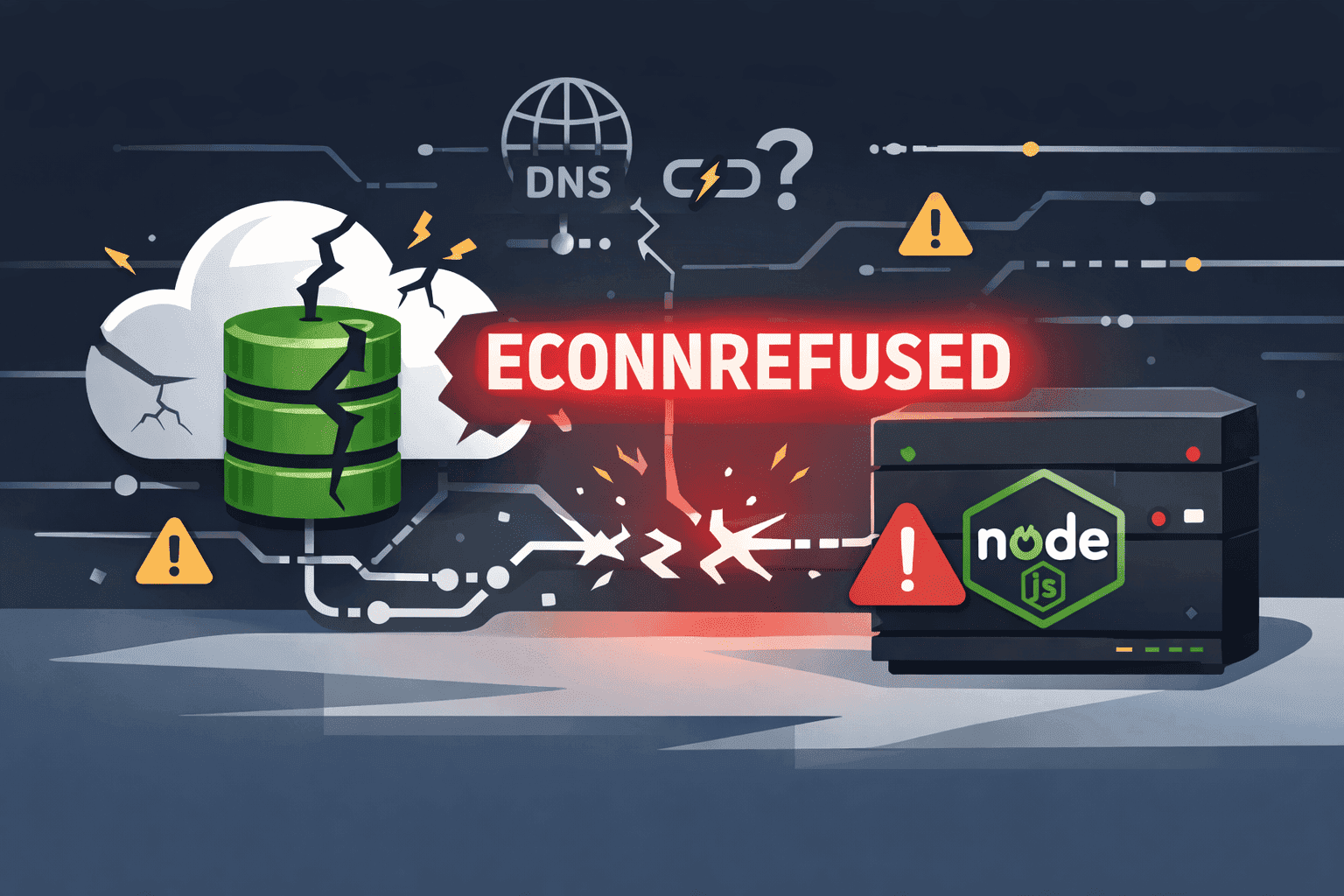
If you are seeing querySrv ECONNREFUSED _mongodb._tcp.cluster0.caopp.mongodb.net, your application is failing before it even reaches MongoDB authentication. This is a DNS lookup problem while resolving Atlas SRV records — not an issue with your username or password.
mongodb+srv:// connection string.
What This Error Means
MongoDB Atlas connection strings commonly use the mongodb+srv:// format. That format depends on DNS SRV lookups so the driver can discover hosts in your cluster. When that lookup is refused, Node.js cannot resolve the cluster address and the connection process fails with ECONNREFUSED.
Why It Happens (Root Causes)
The most common root cause is DNS resolution failure in the network path your server is using. This can happen in several scenarios:
- 🌐 Local DNS resolver refusing SRV queries
- ⚠️ Temporary ISP or corporate DNS outages
- 🔥 Firewall or network policy blocking DNS responses (port 53)
- 🔄 Environment-specific instability (works locally, fails in production)
Exact Node.js Fix: dns.setServers()
Force Node.js to use trusted public resolvers before your MongoDB connection starts. Place this at the very top of your app entry file (before importing mongoose or any database client).
Step 1: Set DNS Servers
import dns from "dns";
dns.setServers(["1.1.1.1", "8.8.8.8"]);
Step 2: Complete Placement in Express App
import express from "express";
import dotenv from "dotenv";
import mongoose from "mongoose";
import dns from "dns";

// ✅ CRITICAL: Set DNS before any DB call
dns.setServers(["1.1.1.1", "8.8.8.8"]);

dotenv.config();
// ... rest of your appdns.setServers() once at startup, before mongoose.connect() or any code that initializes MongoDB clients.
Additional Troubleshooting Checklist
- ✅ Confirm your Atlas URI starts with
mongodb+srv://and has no typos - 🔍 Test DNS manually:
nslookup -type=SRV _mongodb._tcp.<your-cluster-host> - 🌍 Retry from a different network to isolate ISP DNS issues
- 🛡️ Verify firewall rules allow outbound DNS (UDP/TCP port 53) and MongoDB TLS traffic (port 27017)
- 📋 Check Atlas IP access list if your environment uses strict network controls
- 🔄 Restart app process after changing DNS settings to ensure clean resolver state
Official-Style Error Explanation
MongoDB connection failed: querySrv ECONNREFUSED _mongodb._tcp.cluster0.caopp.mongodb.net indicates the runtime could not resolve Atlas SRV DNS records required by the mongodb+srv connection string. This is a DNS transport/resolution failure, not a credential validation failure. Configure reliable DNS resolvers and retry the connection to restore service.
Frequently Asked Questions
❓ Is this a MongoDB Atlas outage every time?
No. In many cases Atlas is healthy, but your network path to DNS resolvers is unstable or refusing SRV lookups.
❓ Can I switch from mongodb+srv to mongodb://?
You can, but it is usually better to fix DNS first. The SRV format is the recommended Atlas connection approach and supports topology discovery and replica set failover.
❓ Where should dns.setServers be called?
Call it once at startup, before mongoose.connect() or any code that initializes MongoDB clients. The top of your main app file (e.g., app.js or server.js) is the ideal location.
By implementing this DNS fix, you'll eliminate the querySrv ECONNREFUSED error and ensure reliable MongoDB Atlas connections in any Node.js environment.