Fix Duplicate FAQPage Schema Error in Next.js (2026 Guide)
Fix the "2 invalid items detected – Duplicate field FAQPage" error in Next.js by removing FAQ structured data from your layout and keeping it only one page..
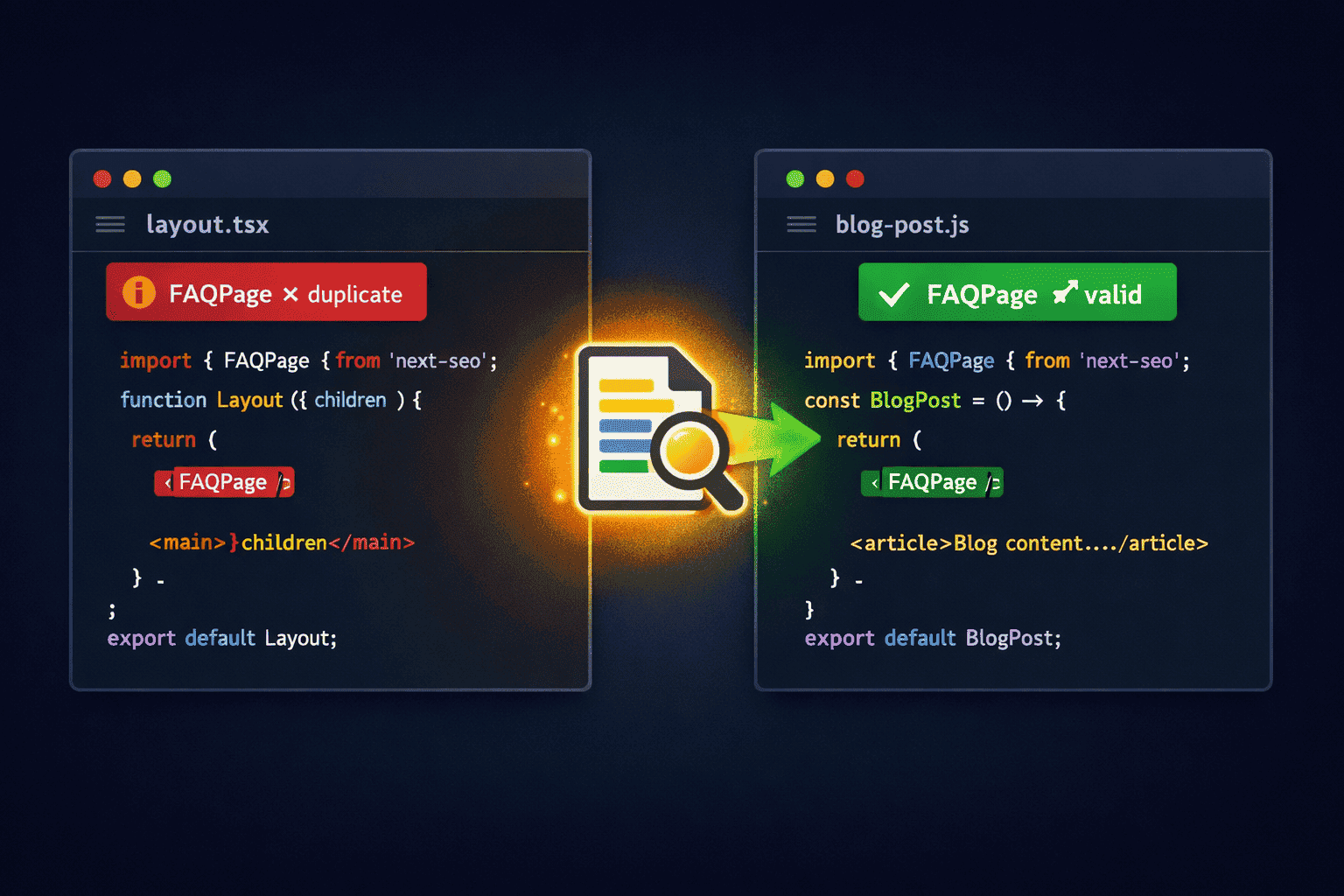
Fix Duplicate FAQPage Schema Error in Next.js
Google Search Console is showing "2 invalid items detected – Duplicate field FAQPage"? Here is exactly why it happens and the one-line fix that makes it go away permanently.
You add a general FAQ to your layout.tsx file — three or five questions about your site, your service, your product. Makes sense. Then on individual blog posts or pages, you add a second FAQ section specific to that content. Also makes sense.
But Google sees both FAQs on every single page. The result: duplicate FAQPage structured data, invalid rich result items, and your FAQ rich snippets get disqualified from search.
Why This Error Happens in Next.js
Next.js layout.tsx (App Router) wraps every page in your application. Anything rendered inside the layout — including JSON-LD structured data — is injected into the HTML of every page that shares that layout.
So when your layout contains a FAQPage schema block, and a blog post page also renders its own FAQPage schema block, Google's Rich Results Test sees two separate @type: "FAQPage" entries on the same URL — and flags it as invalid.
What Google Actually Expects
Google's structured data guidelines require that FAQPage schema represents questions and answers that are visible on that specific page. One FAQPage block per URL. Period.
If Google detects two FAQPage blocks on a single URL, it marks both as invalid and neither gets rich result treatment. You lose the expanded Q&A snippets in search results entirely.
The Fix — Remove FAQ Schema from layout.tsx
The solution is straightforward: FAQ structured data must never live in the layout. Remove it entirely from layout.tsx and let each page manage its own FAQ schema independently.
Step 1 — Remove from layout.tsx
Find and delete any JSON-LD script block with @type: "FAQPage" from your layout file:
// ❌ DELETE THIS from layout.tsx
// layout.tsx runs on EVERY page — so does this FAQ schema

<script
  type="application/ld+json"
  dangerouslySetInnerHTML={{
    __html: JSON.stringify({
      "@context": "https://schema.org",
      "@type": "FAQPage",     // ← this is the problem
      "mainEntity": [
        {
          "@type": "Question",
          "name": "What is your service?",
          "acceptedAnswer": { "@type": "Answer", "text": "..." }
        }
      ]
    })
  }}
/>
Step 2 — Add FAQ Schema on Individual Pages Only
Each page that has a FAQ section should include its own FAQPage schema block scoped only to that page's questions:
// ✅ CORRECT — in your individual page file only
// e.g. app/blog/[slug]/page.tsx

export default function BlogPost({ post }) {
  const faqSchema = {
    "@context": "https://schema.org",
    "@type": "FAQPage",
    "mainEntity": post.faqs.map((faq) => ({
      "@type": "Question",
      "name": faq.question,
      "acceptedAnswer": {
        "@type": "Answer",
        "text": faq.answer
      }
    }))
  }

  return (
    <>
      {/* Only inject if page actually has FAQs */}
      {post.faqs?.length > 0 && (
        <script
          type="application/ld+json"
          dangerouslySetInnerHTML={{ __html: JSON.stringify(faqSchema) }}
        />
      )}
      <article>...</article>
    </>
  )
}FAQPage block from being injected on pages with no questions, which is also flagged as invalid by Google.
What About the General Site FAQ?
You may have a general FAQ for your site — questions like "How do I contact support?" or "What payment methods do you accept?" — that you want to show on multiple pages or in a site-wide footer.
Do not attach FAQ schema to this. General site FAQs rendered as layout components should remain plain HTML without any FAQPage JSON-LD. You have two clean options:
- Option A — Dedicated FAQ page: Create a standalone
/faqpage. Add theFAQPageschema only on that page. One URL, one schema block. Google is happy. - Option B — No schema on layout FAQs: Keep the layout FAQ as pure HTML (accordion, collapsible, or static list). Only pages with content-specific FAQs get the structured data. Your layout FAQ stays visible to users but invisible to Google's rich results validator.
Common Mistakes to Avoid
- Adding FAQPage to a shared component: Even if the component is not in
layout.tsxdirectly but is rendered on multiple pages (e.g. aFootercomponent used everywhere), the same duplication problem occurs. - Injecting schema in both generateMetadata and the page component: Next.js has two places to inject JSON-LD. Using both produces duplicate blocks. Pick one — the page component body is cleaner and more explicit.
- Not testing after the fix: Always verify with Google's Rich Results Test after making schema changes. The tool shows exactly how many and what type of structured data blocks Google detects on a URL.
- Using conditional logic to hide the layout FAQ on some pages: This is fragile. The correct approach is to remove the schema from the layout entirely — not to conditionally suppress it using route matching.
How to Verify the Fix
- Deploy your updated code with the FAQ schema removed from the layout.
- Open Google Rich Results Test and enter a URL that previously had a blog post with its own FAQ.
- Confirm that only one FAQPage block is detected — the one from the page itself, not from the layout.
- Next, test your homepage or a page without any FAQ content. Zero FAQPage blocks should appear.
- After Google re-crawls your pages (typically within a few days), return to Search Console. The "2 invalid items detected" error should clear automatically.
Frequently Asked Questions
Does removing FAQ schema from the layout affect my site's SEO negatively?
No — it actually improves your SEO. Invalid or duplicate structured data actively harms your rich result eligibility. Having valid, page-specific FAQ schema on individual pages is far more valuable than broken schema injected globally.
Can I keep the FAQ visible on multiple pages without structured data?
Yes. The FAQ component as rendered HTML can appear anywhere — in a footer, sidebar, or layout — without any JSON-LD attached. Structured data and visible UI are independent. Users see the HTML; Google's rich results parser reads the JSON-LD. Remove the JSON-LD from shared components and users see no difference.
How long does it take for Search Console to clear the error after the fix?
Typically 3–14 days depending on your site's crawl frequency. You can request a re-crawl by submitting the affected URLs in the URL Inspection tool inside Search Console to speed up the process.
Does this apply to the Pages Router too, not just the App Router?
Yes. In the Pages Router, any JSON-LD placed in _app.tsx or a shared layout component suffers the exact same duplication problem. The fix is identical — move FAQ schema to individual page components only.
The rule is simple: one FAQPage schema per URL, only on the pages that show that FAQ to users. Layout code is global — structured data must not be.
Remove it from the layout → add it per page → your rich results are back.